
Gas Agency Management
Cylinder Stock, Billing, Deliveries and Collections in One System
A gas agency buys cylinders, holds them as stock, raises four different kinds of bill, sends staff out on delivery and chases the money afterwards. Puvnaa handles that from the office, with a Tamil delivery application in the field so drivers are not working from a paper list.
Running a gas agency? → Get Free Estimation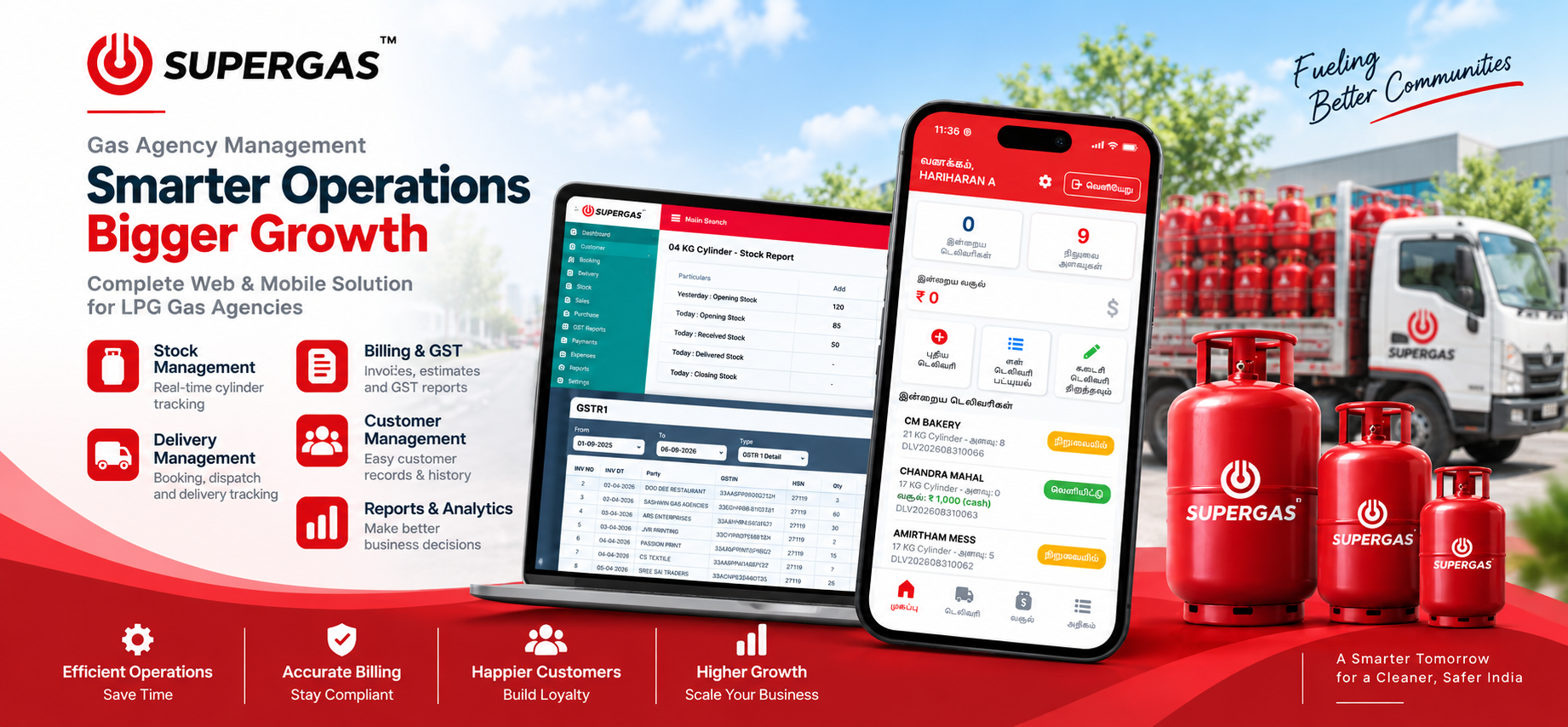

From Purchase to Delivered Cylinder
Purchase brings cylinders into stock, a customer order becomes a bill, the office approves the delivery, a driver takes it out, payment comes back and the ledger updates. These four modules cover the counter-side of that run.
Discuss Your Gas Agency Software
Cylinder Stock
Stock is held per cylinder size, so 04 KG, 12 KG, 17 KG and 21 KG each carry their own position. The stock report reads opening, received, delivered and closing quantity for the day, and KG Stock gives the weight view before the next delivery run goes out.

Customers & Segments
Customers are organised with customer groups, customer types and customer segments, so a domestic household and a commercial bakery are not handled the same way. Customer number settings keep the numbering consistent as the base grows.

Billing & Sales
Four billing modes sit side by side: MRP for standard rate sales, GST Bill where a tax invoice is required, Estimate Bill for quotations and Counter Sale for walk-in cash trade. The transaction is not forced into one bill format.
Delivery Approval
Deliveries pass through the office before they are treated as done. Delivery Approval is where a booked delivery is checked and released, which is what keeps the field activity coming back from drivers matched against what the agency actually authorised.
5
billing modes: MRP, GST bill, estimate bill and counter sale
2
management reports across sales, stock, customers, suppliers, GST and outstanding
1
connected applications: the office web software and the field delivery app


Available for projects
The details that keep an agency straight
Beyond the daily counter work there are empties to account for, staff logins to control, numbering to configure and a portal for customers. These are the pieces an agency usually ends up handling outside the system.
Book consultation
Empty cylinders accounted for
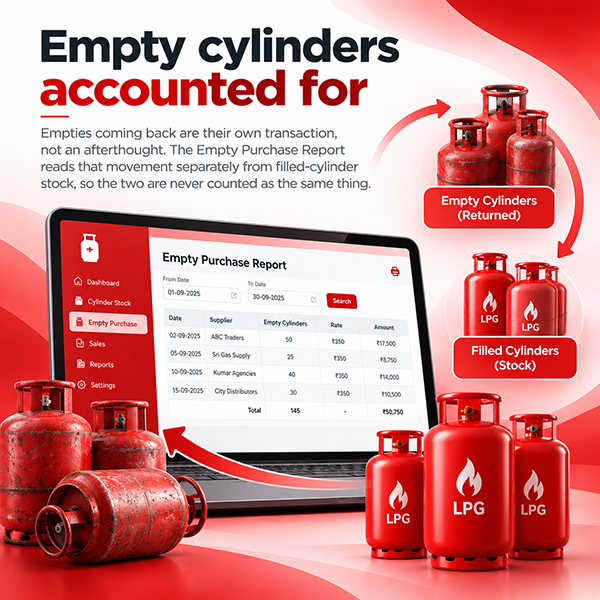
Empties coming back are their own transaction, not an afterthought. The Empty Purchase Report reads that movement separately from filled-cylinder stock, so the two are never counted as the same thing.

A portal for your customers
Customer Portal Setup configures the portal side of the system for your agency, so customer-facing access is set up from the same place the rest of the software is administered.

Who can open what
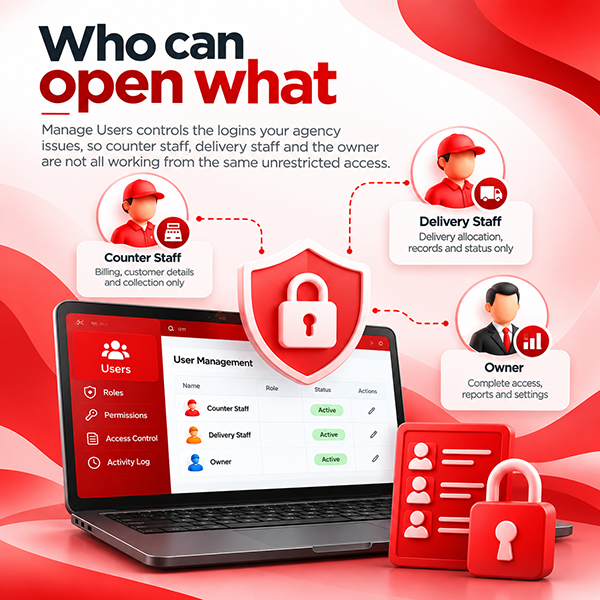
Manage Users controls the logins your agency issues, so counter staff, delivery staff and the owner are not all working from the same unrestricted access.

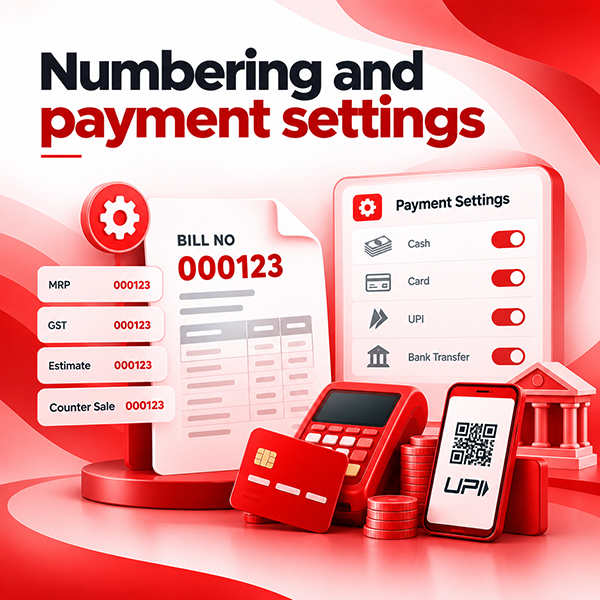
Numbering and payment settings
Bill Number Settings fixes how bills are numbered across MRP, GST, estimate and counter sale, and Payment Settings configures how payments are handled, so the conventions are set once rather than agreed verbally.
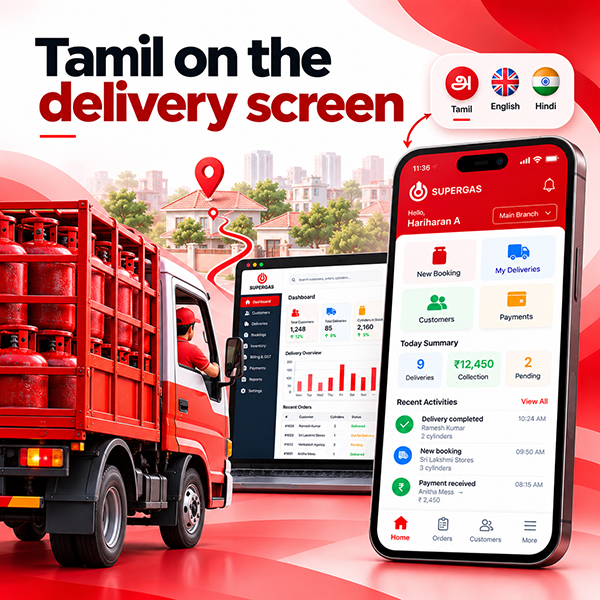

Tamil on the delivery screen
The delivery application runs in Tamil, so drivers read their own delivery list, quantities and collection amounts in the language they actually work in rather than being trained around an English screen.

Office and field on one record
A delivery approved at the counter appears on the driver phone, and what the driver records comes back as collection and stock movement. Neither side keeps a separate list that has to be reconciled later.
Can delivery staff use the mobile application in Tamil?
How long does it take to get started?
What does the software cost?
Haven't you found the answers?
Talk to usAvailable for projects
Want to talk aboutyour project?
Tell us how your agency runs today: how you hold cylinder stock, which bills you raise, how deliveries go out and how you follow up payment. We will show you which screens replace which register.